
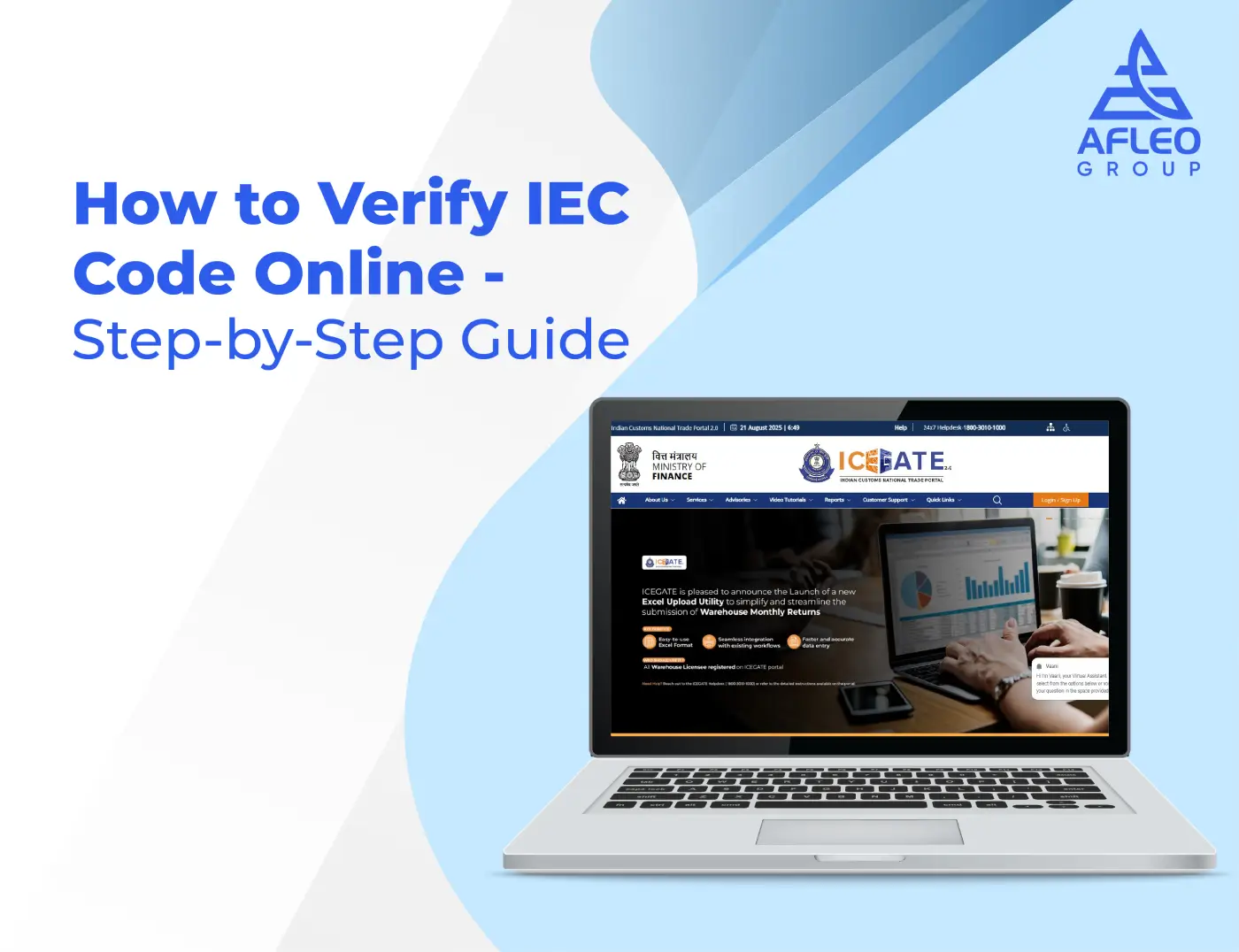
In India, smooth international trade begins with having the right licenses in place, and at the heart of this process is the Importer Exporter Code (IEC). Whether you’re a new entrepreneur entering the world of global trade or a seasoned exporter ensuring compliance, IEC verification is an essential step that can’t be skipped.
At Afleo Logistics, we have thousands of exporters and importers to handle, and of the numerous things we usually encounter is IEC verification confusion. This manual will take you through what IEC is, why we need it, and how you can check for it online through DGFT within a few minutes.
What is an IEC (Importer Exporter Code)?
Meaning and Purpose of IEC
The Importer Exporter Code is a 10-digit exclusive enrolment number granted by the Directorate General of Foreign Trade (DGFT) for exclusive use. It is compulsory for any organization or individual in India who imports or exports goods, whether commercial or personal use.
IEC is your passport to international trade. You can’t clear customs or receive foreign payments without it.
If you don’t have an IEC yet, you can easily apply for IEC code online through Afleo Logistics and get started with your import-export journey.
Who Issues It (DGFT)
IECs are granted by the DGFT, Ministry of Commerce and Industry, Government of India. Online submission of applications on the DGFT portal, and upon approval, the IEC is granted online.
Why It’s Mandatory for Import/Export in India
- Needed for customs clearance of goods.
- Needed for remitting/receiving foreign money with regard to trade.
- Needed for obtaining government export incentives and schemes.
How to Check IEC Code Online through DGFT
IEC verification ensures that your code is active, valid, and properly registered with the customs. Below are the step-by-step instructions to verify your IEC on the DGFT website:
Step 1: Proceed to the DGFT IEC Verification Page
Proceed to the official website of DGFT (https://www.dgft.gov.in) and go to the Services → IEC → View/Verify IEC option. This will load the IEC verification page.
Step 2: Enter IEC Number or Firm Name
You can search with either:
- Your 10-digit IEC number (preferred for accuracy)
- Your company/business name (in the event of unavailability of IEC number)
Step 3: Enter Captcha/Security Code
Enter the captcha code on screen so that your request is secure.
Step 4: Click Search to Get IEC Details
When you press the Search button, the system will execute your request and show the registered IEC details.
Step 5: Verify Business Name, Address & IEC Status
The output will be:
- Your registered business name
- Address as per DGFT records
- IEC status up to date (Active, Rejected, Transmitted, etc.)
Types of IEC Status & Meaning
When you check your IEC, you see various status messages. Following are the meanings for them:
- Status: Received in DGFT – Your IEC application is successfully sent but yet to be processed by DGFT officers.
- Status: IEC Application Rejected – The application was rejected due to incorrect information, incomplete documents, or non-compliance.
- Status: E-mailed to ICEGATE – Your IEC has been approved by the DGFT and is waiting for registration with ICEGATE (Indian Customs Electronic Gateway).
- Status: Registered by DGFT & Accepted by ICEGATE – Your IEC is active, valid, and available for use for import/export transactions.
Why IEC Code Verification is Important
IEC verification of commodities is not just a routine. This is why it is important:
- Avoids Trade Fraud – IEC data verification ensures you confirm the credibility of a business partner prior to doing business.
- Ensures Customs Compliance – An inactive or dormant IEC may lead to late shipments and fines.
- Constructs Trust in Foreign Transactions – Overseas buyers and sellers tend to verify one another’s IEC in an effort to establish credibility.
Details You Would Find After IEC Verification
Once you have finished IEC verification, you can see:
- IEC Number – Your unique 10-digit number.
- Name of the Business – As entered in DGFT books.
- Registered Address – Official address entered in DGFT books.
- Date of Issue – Date of issue of the IEC.
- Current Status – Active, inactive, or under process.
Smarter Shipping Begins Now – Discover Our Complete Digital Freight Platform.

Common Issues in IEC Verification & Their Solutions
Even though the process is simple, you might face some issues while authenticating your IEC. Below are some of the common issues and their solutions:
1. IEC Not Found
Reason: Incorrect entry of IEC number or deactivation by DGFT.
Solution: Enter the number again. If not found, contact DGFT to find out if your IEC is deactivated.
2. Mismatch Between IEC & PAN Details
Reason: Your IEC is mapped against incorrect PAN or expired PAN details.
Solution: Update your PAN information on DGFT’s portal and re-verify.
3. Status Inactive
Cause: IEC not updated as per DGFT’s annual update requirement.
Solution: Log in on the DGFT portal and perform the IEC updation process in order to get reactivated.